
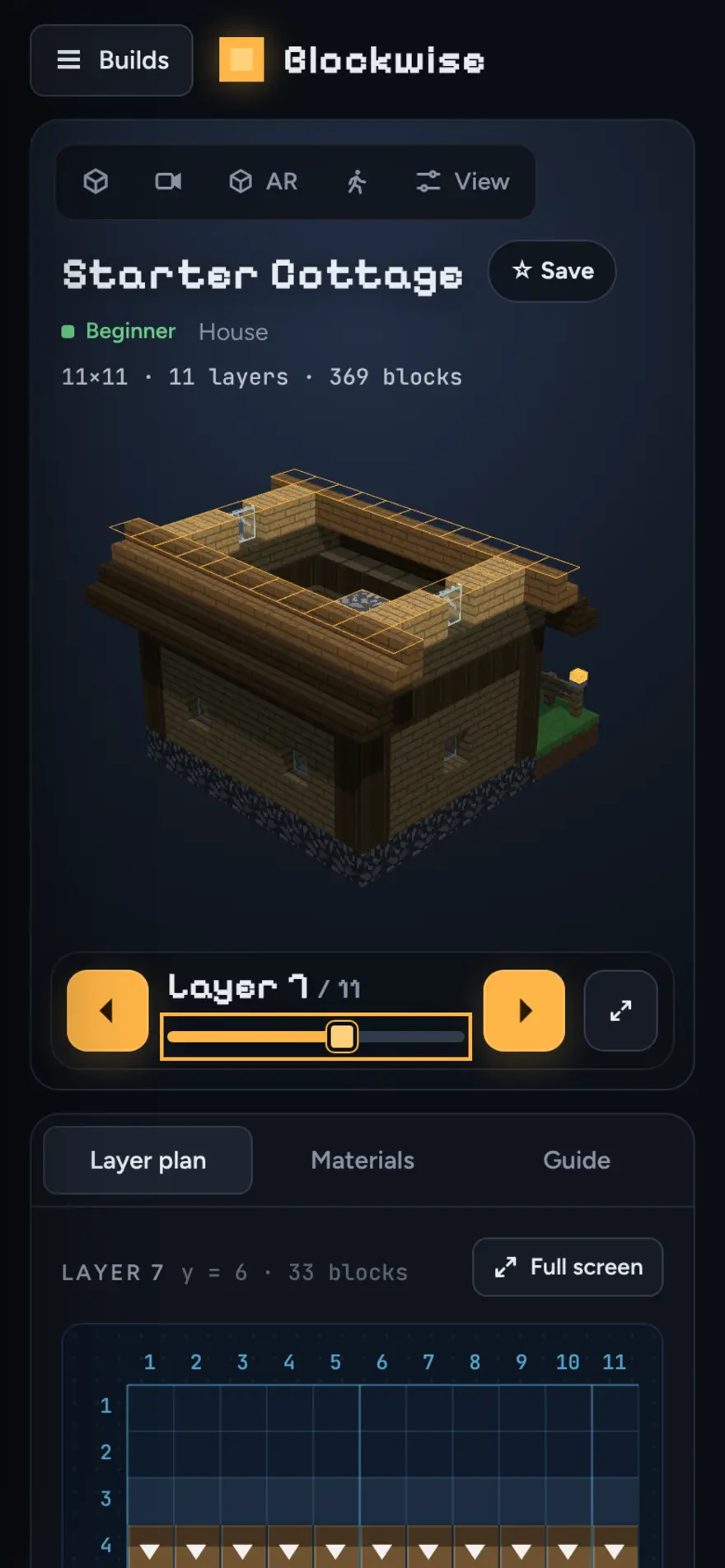
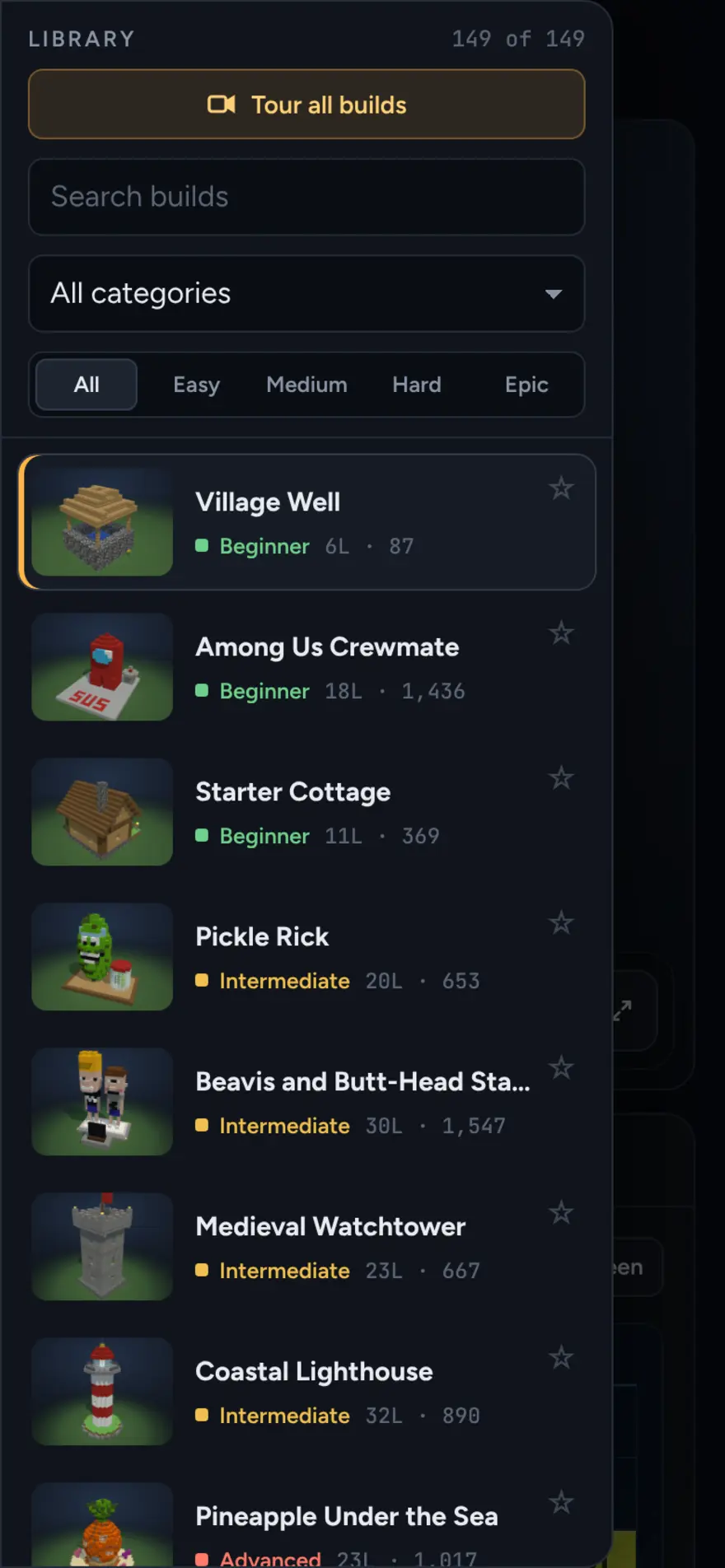
Blockwise is a free website of Minecraft building plans. Pick one of 149 builds, spin it in 3D, and follow it layer by layer until it is standing in your world. It is an unofficial fan tool, not affiliated with, endorsed by or made by Mojang or Microsoft. Minecraft is a trademark of its owners.
How a build works
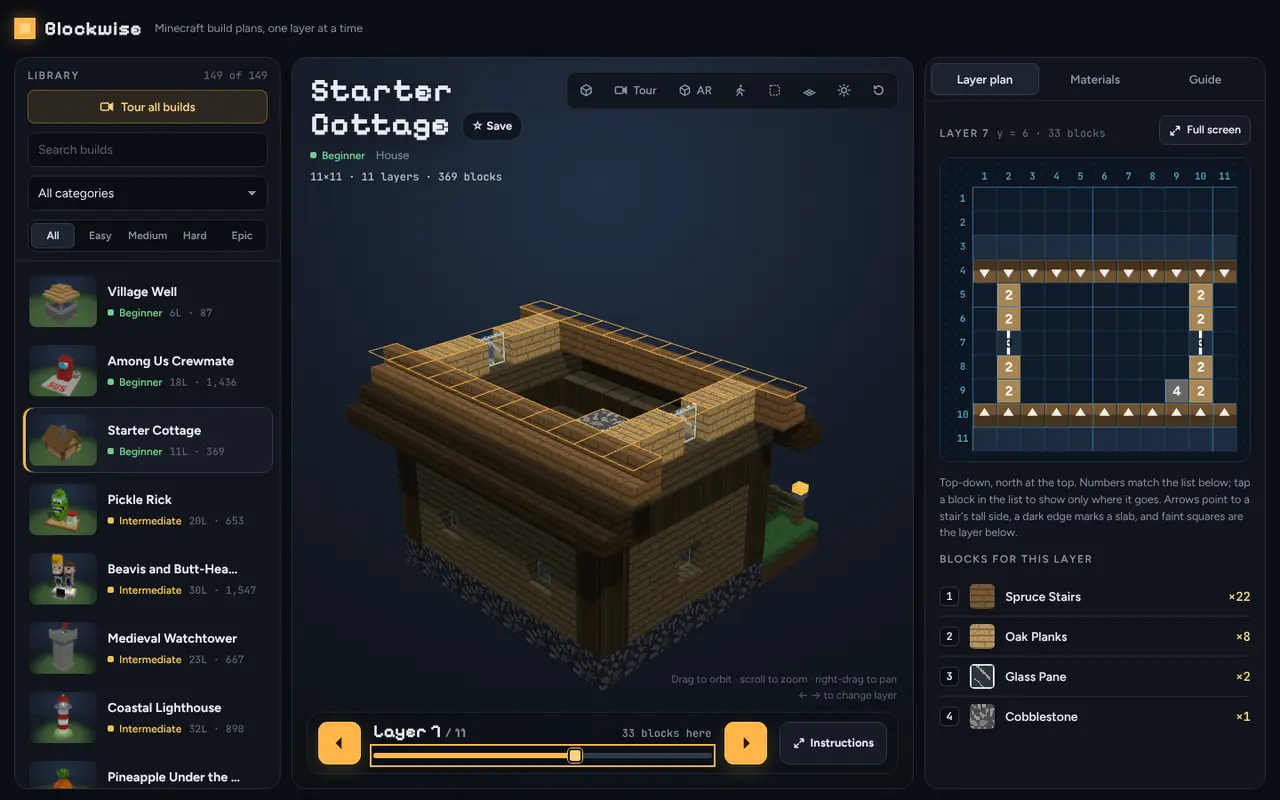
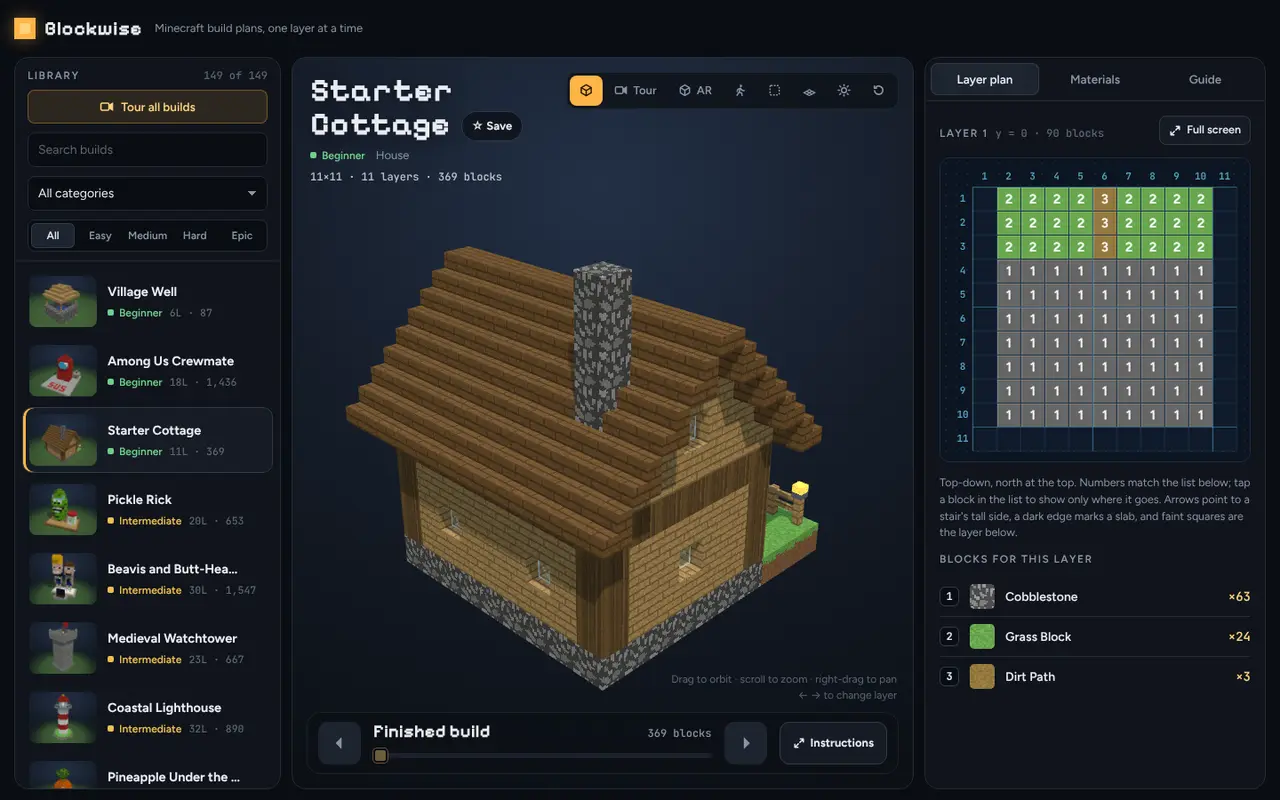
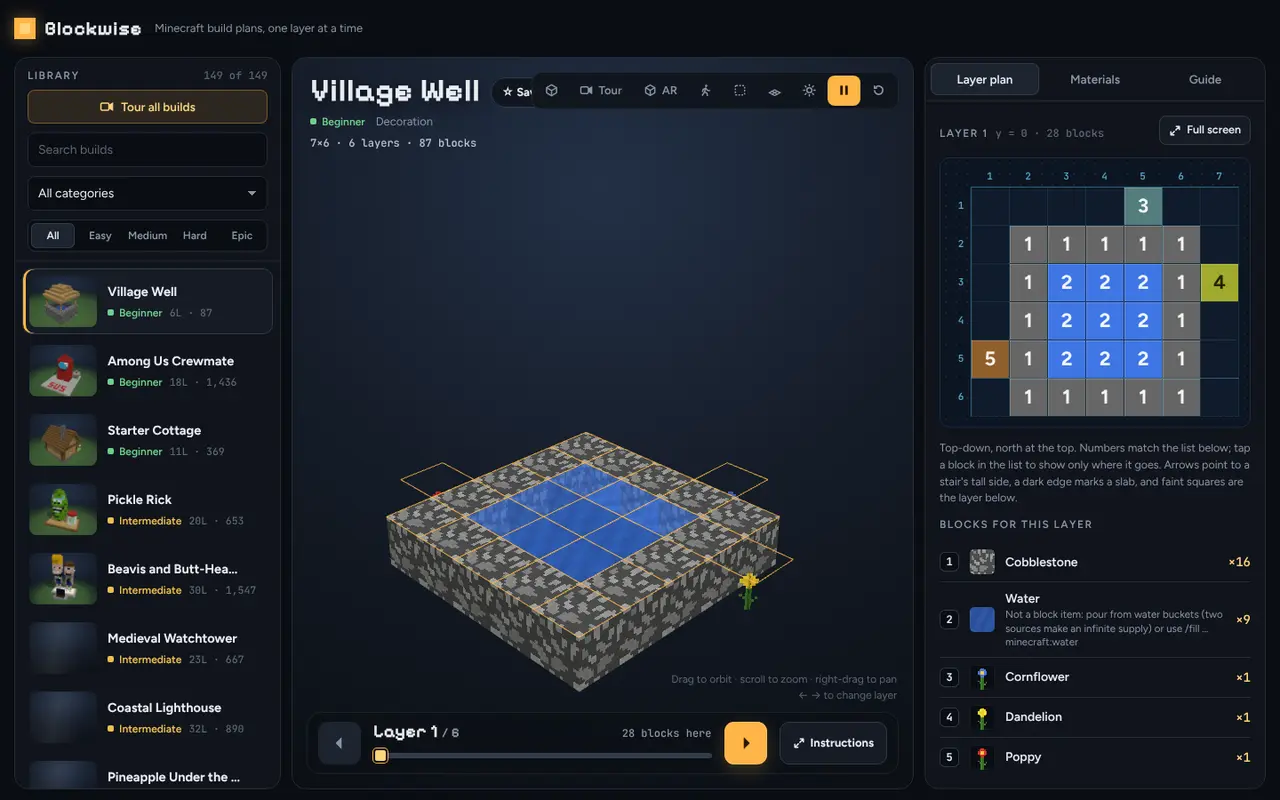
Every build is an interactive 3D model. Drag to rotate, scroll or pinch to zoom, right-drag to pan. A slider, the arrow buttons or the arrow keys move through the layers: layers you have done stay solid, the current layer is outlined in yellow, and the rest appear as ghost blocks. Beside the model, a numbered top-down plan shows the current layer, with a list of its blocks. A full-screen instructions view lets you tick off each step as you go.
Materials
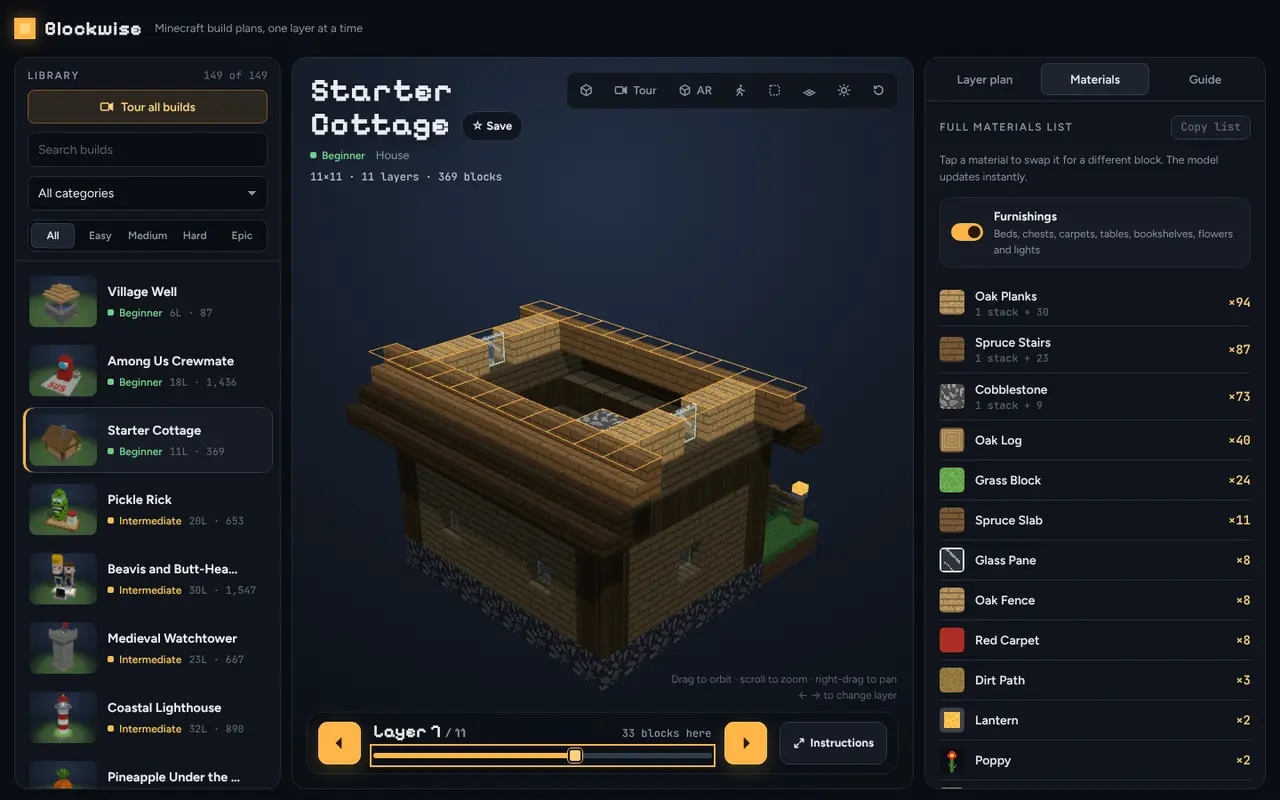
The Materials tab lists every block in the build with counts and stack sizes, and a button copies the list. Tap a material to swap it for another block of the same shape; the model, the plan and the lists all update. Furnishings such as beds and tables can be switched off.
What is in the library
There are 149 builds in 20 categories: houses, castles, mansions, treehouses, villages, famous landmarks, fantasy, sci-fi, theme parks and a few pop-culture favorites. Each is rated Easy to Epic. Search by name, filter by category or difficulty, or start a guided camera tour.
In Minecraft and in your room
Download any build, with your swaps applied, as a Litematica or WorldEdit file for Java or a structure file for Bedrock. An AR view places the model on your table or at life size on a phone or iPad. You can also walk inside a build in first person.
There is no sign-in. Your place in each build, favorites and swaps are saved in your browser.
